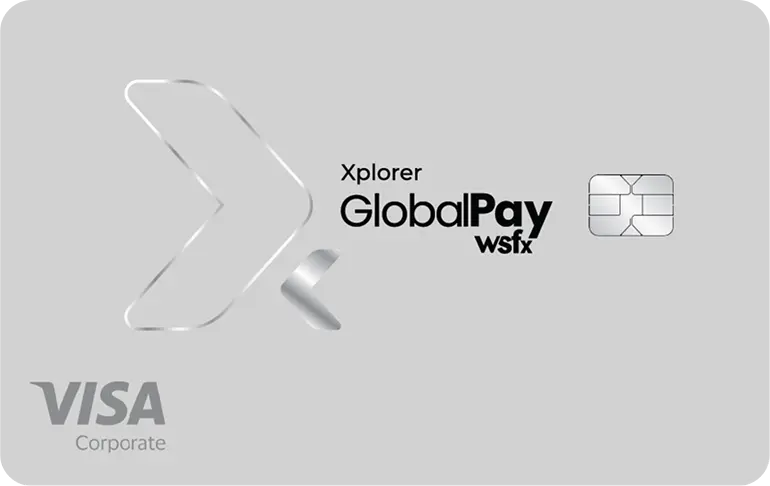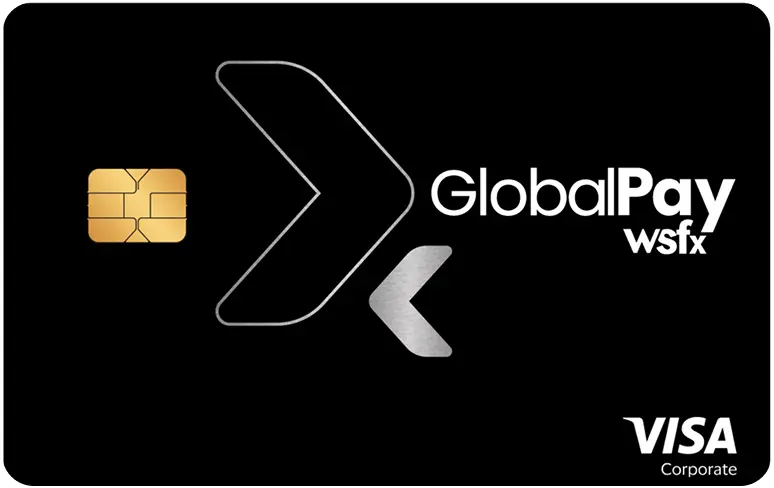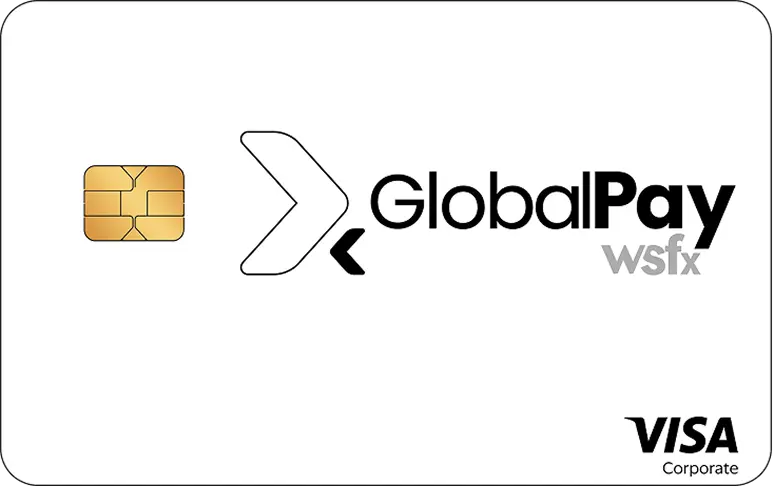
Scan the QR code to download the GlobalPay App
Or Select
Download GlobalPay App


India’s Best True Zero Fee Forex Card for Students Studying Abroad
Get GlobalPay Student Forex Card: The Smarter, Safer Way to Spend Abroad
Managing money is one of the most complicated and challenging tasks of studying abroad. Between currency conversion and currency encashments,
a lot can go wrong if you do not have the right forex card with you. The GlobalPay Student Forex Card is the best forex card for students and is specifically designed for students studying abroad.
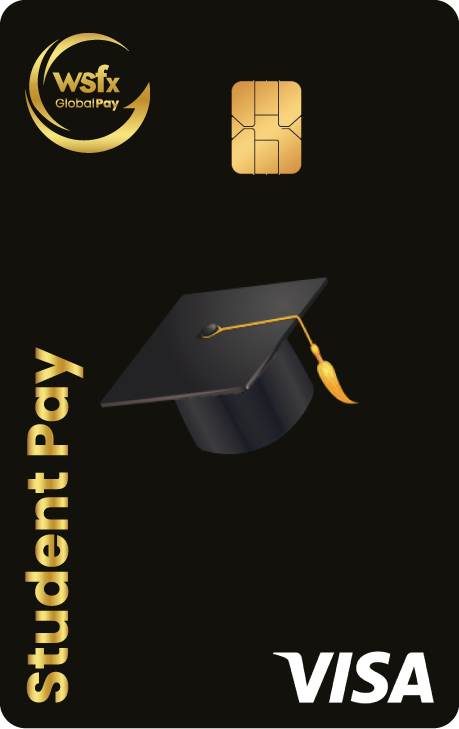
This USD-denominated student forex card helps you manage global expenses with ease without cross-currency fees. Backed by chip-based security and total app-based control, this student forex card is packed with added perks like a free ISIC card, complimentary international lounge access, and a built-in eSIM for worldwide connectivity.
see more...




Pay your university fees abroad the smart way using the GlobalPay App, our Web Portal,
or by visiting any of our 24+ branches across India.
Whether you are transferring funds for tuition or living expenses, GlobalPay makes
the process faster, simpler, and 100% secure. It is the perfect companion for
international education.
 Send money directly to your university's international bank account — faster than most traditional banks
Load funds through the GlobalPay app or website
Complete your KYC and enter beneficiary details
Make payments straight from your Indian bank account
You can also open an international student bank account before departure, including GICs for Canada or Blocked Accounts for Germany.

Enter university name, country, address, SWIFT code, and account details.

Provide remitter details including name and PAN number.

Make the payment via bank transfer, UPI, or net banking through our app or website.

Upload all required KYC documents to process your international remittance securely.
 Trusted Since 1986
 RBI Licensed AD II Category
 Listed on BSE
 ISO & PCI DSS Certified
 24+ Branches Pan India
 24/7 Support

Put Your Trip Info
Enter your travel dates, study destination, and purpose of visit.
Put Personal Details
Fill in your personal and contact details.
Make Payment
Make the payment and choose home delivery for your Forex Card or currency.
Complete KYC
Upload your KYC documents and sign your A2 form. Done!
The Student Forex Card is a USD denominated prepaid forex card that can be used globally at over 100 million VISA merchant outlets and e-commerce websites. It comes with Zero cross- currency fee, zero load/reload fee, and zero annual maintenance fee for easy foreign currency transactions.
• Zero Cross-Currency Fees • Reload Card Anytime/Anywhere • Tap and Pay • App Enabled Card Management • Chip and PIN protected • Real Time Transaction Alerts • Card Insurance Coverage Up to 5 Lac • Surcharge Free Withdrawals at AllPoint • Not Linked to Your Bank Account • Free ISIC Card • Global eSIM • International Lounge Access • Travel Insurance
You can purchase the card through the GlobalPay App/Portal or at 24+ branches in India. Once the funds are received, the card will be activated within 24 business hours.
The card is purchased at the exchange rate offered by GlobalPay on the day of the transaction. Refunds are processed using the prevailing rate at the time.
The card is valid for five years, with the expiration date printed on the student forex card.
No minimum amount is required, but you should load enough USD to cover your travel needs.
You can load up to USD 250,000 annually under the Liberalized Remittance Scheme (LRS), with a per-transaction limit of USD 25,000.
• Signed application form • Self-attested valid passport copy • Copy of confirmed air ticket • Valid visa copy • Self-attested PAN copy • Additional address proof, if required • Proof of travel purpose (business, study, etc.)
The card supports USD, providing global acceptance with zero cross currency fee.
You will receive an activation email and SMS. You can check your balance and transactions via the GlobalPay App/Portal.
Yes, the card can be used for multiple trips during its five-year validity.
No, the card can be used in multiple countries without cross-currency conversion fees.
Yes, you cannot use the student forex card in India, Nepal, Bhutan, or in countries on the FATF blacklist or certain grey-listed countries. Additionally, the student forex card cannot be used in countries under economic sanctions such as Cuba, Iran, North Korea, Myanmar, Sudan, and Syria.
The student forex card is accepted in over 180 countries and at Visa-enabled stores, restaurants, websites, and ATMs.
For an updated schedule of fees . • Issuance Fee: Nil • Reload Fee: Nil • Cash Withdrawal Fees**: $2 per transaction • Cross Currency (Markup Fee): Nil • Cash Advance / Disbursement Fee: 0.5% of the transaction amount • Balance Enquiry Fee at ATM: $0.50 per transaction • Card replacement Fee: International Locations - INR 2500; Indian Locations – Nil Govt Taxes as applicable will be charged additionally Additional fees for ATM transactions may be levied by the bank owning the overseas ATM used for the transaction.
• Maximum Daily Purchase Limit (POS/E-commerce/Cash Advance/Cash @ POS): USD 10,000 • Maximum Daily ATM Withdrawal Limit*: USD 1,500 • Maximum Per Transaction Loading Limit: USD 25,000 • Maximum Per Transaction Contactless Payment Limit: USD 65 Daily limits set on your GlobalPay Student Pay Card is the higher limit, however foreign ATMs may have their own per transaction limit depending upon their service providing bank or regulatory authorities. You are requested to check the same in the ATM premise before usage. In such cases, the lower limits will apply. Please visit wsfxglobalpay.com for update limits. You can set daily limits for ATM, POS, or online transactions through the GlobalPay App/Portal. Log in to the GlobalPay App/Portal, go to Manage Card, and toggle the switch to enable or disable ATM, POS, online, or international transactions. You can restrict spending on your student forex card by setting limits via the app for enhanced control. Please visit www.wsfxglobalpay.com for update limits.
Yes, you can reload your Student Forex card via the GlobalPay App/Portal.
Insert the card into POS terminals or tap for contactless payments. For ATMs, select “Checking/Current” or “Credit” as the account type.
Yes, you can make contactless payments up to USD 65. For larger transactions, you will need to enter your PIN. Ensure “International/E-commerce Transactions” is enabled in the app. Use your card details, PIN, and OTP to secure online transactions. Check the “Statement” section in the GlobalPay Portal/App for transaction history. You will also receive an SMS or email notification. It is fully e-commerce ready. Use it for international subscriptions, flight bookings, and online purchases.
You can reset your PIN via the GlobalPay App/Portal or by contacting customer support.
Ensure “International/E-commerce Transactions” is enabled in the app. Use your card details, PIN, and OTP to secure online transactions.
Immediately block your card through the GlobalPay App/Portal or contact customer support at 1800 267 3899 or email customersupport@wsfxglobalpay.com. Report unauthorized transactions to the police
Yes, transfers are possible via POS at foreign bank branches, subject to fees.
Log in to the GlobalPay App/Portal, go to “Manage Card,” and toggle the switch to enable or disable ATM, POS, online, or international transactions.
Check the “Statement” section in the GlobalPay Portal/App for transaction history. You will also receive an SMS or email notification.
DCC is when foreign ATMs or merchants charge in INR, leading to high conversion fees.
Pre-authorization occurs when hotels or car rentals block funds on your forex card. Avoid using your forex card for this or ensure the block is cancelled when settling the bill.
Yes, if you notice an unauthorized transaction, you should immediately block your card through the GlobalPay App/Portal and contact customer support at 1800 267 3899 or email customersupport@wsfxglobalpay.com. You can raise a dispute for investigation, and Globalpay will review and respond within 90 days.
Visit a GlobalPay branch or place card encashment requests through the GlobalPay App/Portal. Refunds typically take 2-3 working days.
Coverage for lost or stolen cards is up to INR 5,00,000. GlobalPay refunds money lost to fraud unless negligence or involvement in the scam is proven. Refunds are processed as per the insurance policy.
Yes, but balances over USD 2,000 must be surrendered within 180 days as per RBI regulations.
Refunds are processed within 2-3 working days, with delays possible due to discrepancies.
Visit GlobalPay branch network for a refund or request a replacement card to continue using the balance. You can also raise a refund or replacement request via the GlobalPay App or by contacting customer support at 1800 267 3899 or email customersupport@wsfxglobalpay.com.
GlobalPay refunds money lost to fraud unless negligence or involvement in the scam is proven.Refunds are processed as per the insurance policy.
If there’s an ATM error (e.g., if the ATM dispenses the wrong amount or fails to dispense cash), please check if the amount has been debited from your card. If it has, contact GlobalPay customer support immediately with the ATM location and transaction details to initiate a dispute.
GlobalPay responds within 24 hours, with a resolution or refund within 90 days.
Yes, you can view up to 6 months of transaction history via the GlobalPay App/Portal. For older records, contact customer support at 1800 267 3899 or email customersupport@wsfxglobalpay.com.
Visit a GlobalPay branch or contact customer support at 1800 267 3899 or email customersupport@wsfxglobalpay.com. Any remaining balance will be refunded within 2-3 business days.